TL;DR: Follow this step‑by‑step checklist to register, verify, and launch your Amazon seller account in minutes.
Key Takeaways
- All required documents and banking info can be prepared in advance to speed up registration.
- Amazon's verification may take from a few hours to several days depending on the provided paperwork.
- After the first login, set up account health, payments, and product research to start selling quickly.
Table of Contents
Note on marketplaces: This guide is specifically optimized for the US market.
Quick Answer
Creating an Amazon seller account is a straightforward process if you have the right documents and a clear plan. Below you'll find everything a new seller needs before stepping into Seller Central.
What new sellers need before registration
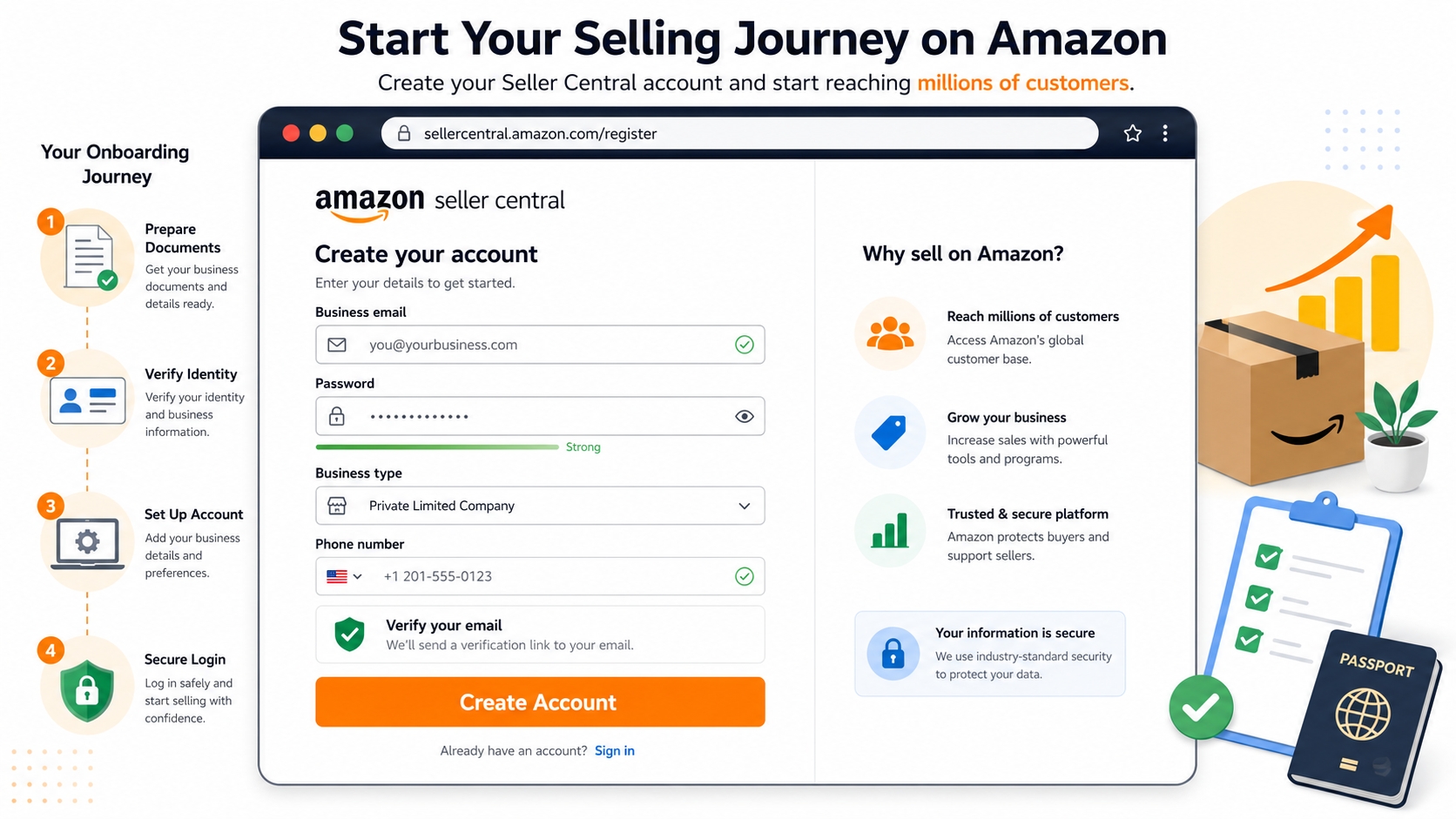
You'll need a valid email address, a phone number that can receive calls or SMS, a government‑issued ID, a bank account, and tax information (SSN or EIN for US sellers). Having these ready will cut the registration time dramatically.
Registration Requirements Checklist
Below is a comprehensive checklist. Tick each item before you begin to avoid interruptions.
Identity and business documents
A government‑issued photo ID (passport or driver's license) and, if you're registering as a business, a business registration certificate or DBA filing.
Personal seller vs. business seller notes
Personal sellers can use a Social Security Number (SSN) and a personal bank account. Business sellers must provide an Employer Identification Number (EIN) and a corporate bank account. Choosing the right structure early influences tax reporting and liability.
Bank account, credit card, and tax information
Amazon requires a valid checking account for payouts and a credit card for monthly fees. For US sellers, the IRS Form W‑9 is automatically generated once you provide your SSN/EIN.
Checklist:
✔️ Government‑issued ID
✔️ SSN or EIN
✔️ Business registration (if applicable)
✔️ Active bank account & credit card
✔️ Phone number for verification
Step-by-Step Amazon Seller Registration
Follow these exact steps inside Seller Central to get your account live.
Provide business information
Enter your legal business name, address, and tax identification number. Amazon uses this data for compliance checks.
Provide seller information
Supply your personal name, email, and phone. This information is used for two‑factor authentication and account recovery.
Provide billing information
Add a credit card for monthly subscription fees (Professional plan) and the bank account where Amazon will deposit your earnings.
Provide store and product information
Choose a store name, describe your product categories, and upload your first product listing. You can always edit these later.
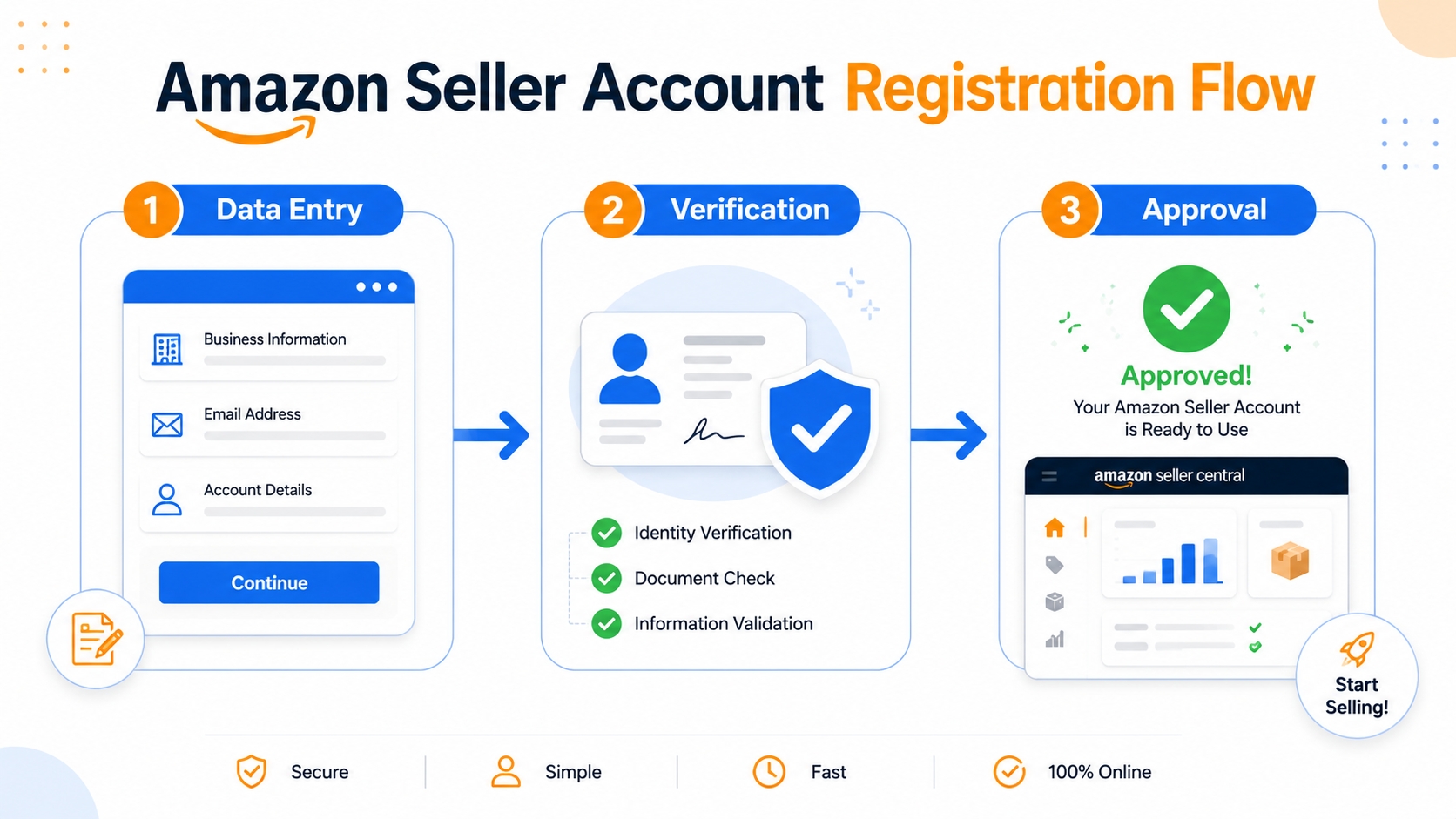
Verify your identity
Amazon will send a verification code via SMS or call you directly. Some sellers may be asked to upload a scan of their ID for manual review.
Common document rejection issues
Blurred photos, mismatched names between the ID and bank account, or using an expired ID are frequent reasons for rejection. Ensure all files are clear, legible, and up‑to‑date.
What Happens After You Submit
After you click "Finish", Amazon conducts an internal review. The speed varies by region and the completeness of your documentation.
Approval timeline
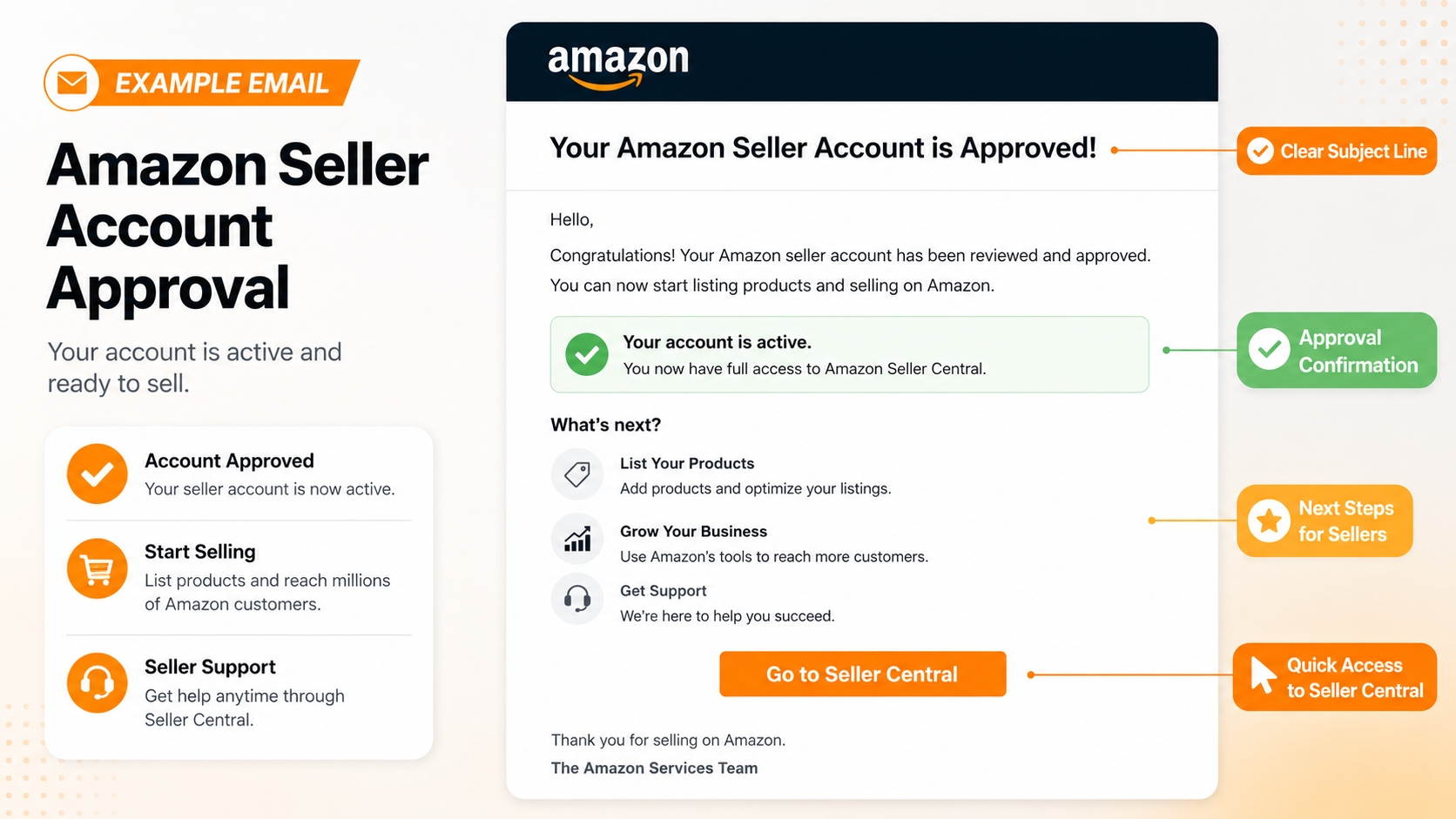
Most US sellers are approved within 24 hours, but it can stretch to 48‑72 hours for business accounts that require additional verification.
Emails and verification follow‑up
Amazon will send a confirmation email with next‑step instructions. If additional documents are needed, you'll receive a separate request within the Seller Central "Performance" tab.
What to Do After First Login
Your account is live, but you need to set up a few critical configurations before you can start selling.
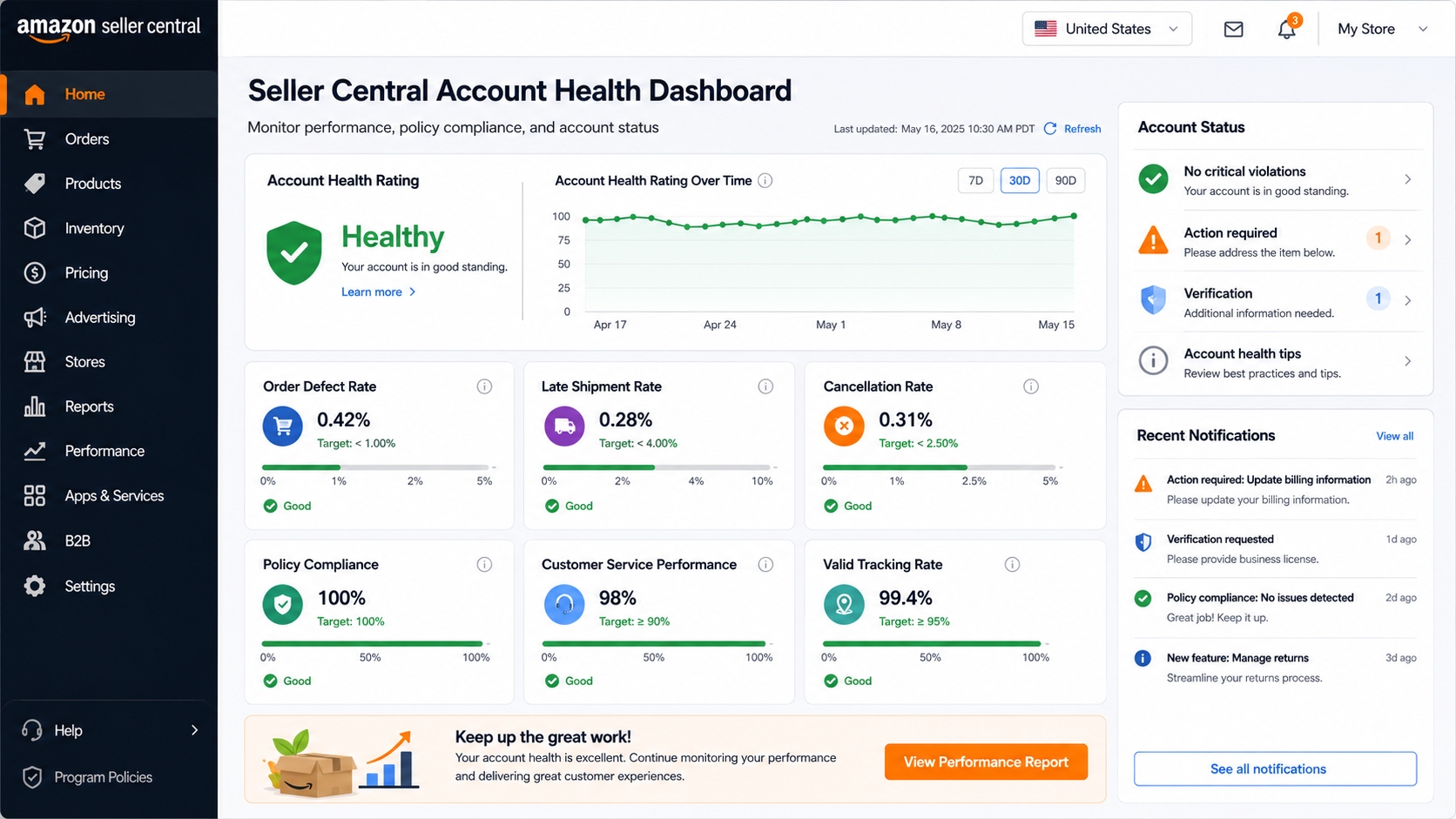
Set up account health, payments, and shipping
Navigate to "Settings → Account Info" to add your business address, bank payout details, and preferred shipping methods. Enable the "Account Health" dashboard to monitor performance metrics early.
Start product and keyword research
Use tools like the Amazon Seller Login Toolkit to discover high‑traffic keywords and estimate fees before listing your first product.
FAQ
What do I need to create an Amazon seller account?
You need a valid email, a phone number, government‑issued ID, a bank account, and tax information (SSN for individuals or EIN for businesses). Having these ready speeds up the verification process.
How long does Amazon seller registration take?
Most US sellers are approved within 24 hours. Business accounts or cases that require manual document review can take up to 72 hours.
Do I need a business license to create an Amazon seller account?
A formal business license isn't mandatory for individual sellers. However, if you register as a business, you must provide a DBA filing or incorporation documents.
What documents does Amazon ask for during seller registration?
Amazon typically requests a photo ID, tax identification number (SSN/EIN), bank account details, and occasionally a business registration certificate.
Can I change my selling plan after registration?
Yes. Within Seller Central you can switch between the Individual (free) and Professional (monthly fee) plans at any time without closing your account.
Next Steps
- Create your SellerSprite account today and gain instant access to keyword research tools.
- Review the Amazon Seller Login Toolkit for best‑practice tips on maintaining a healthy account.
References
By SellerSprite Success Team
Our team combines years of Amazon marketplace experience, e‑commerce strategy, and data‑driven product research to help sellers of every size succeed on Amazon.


