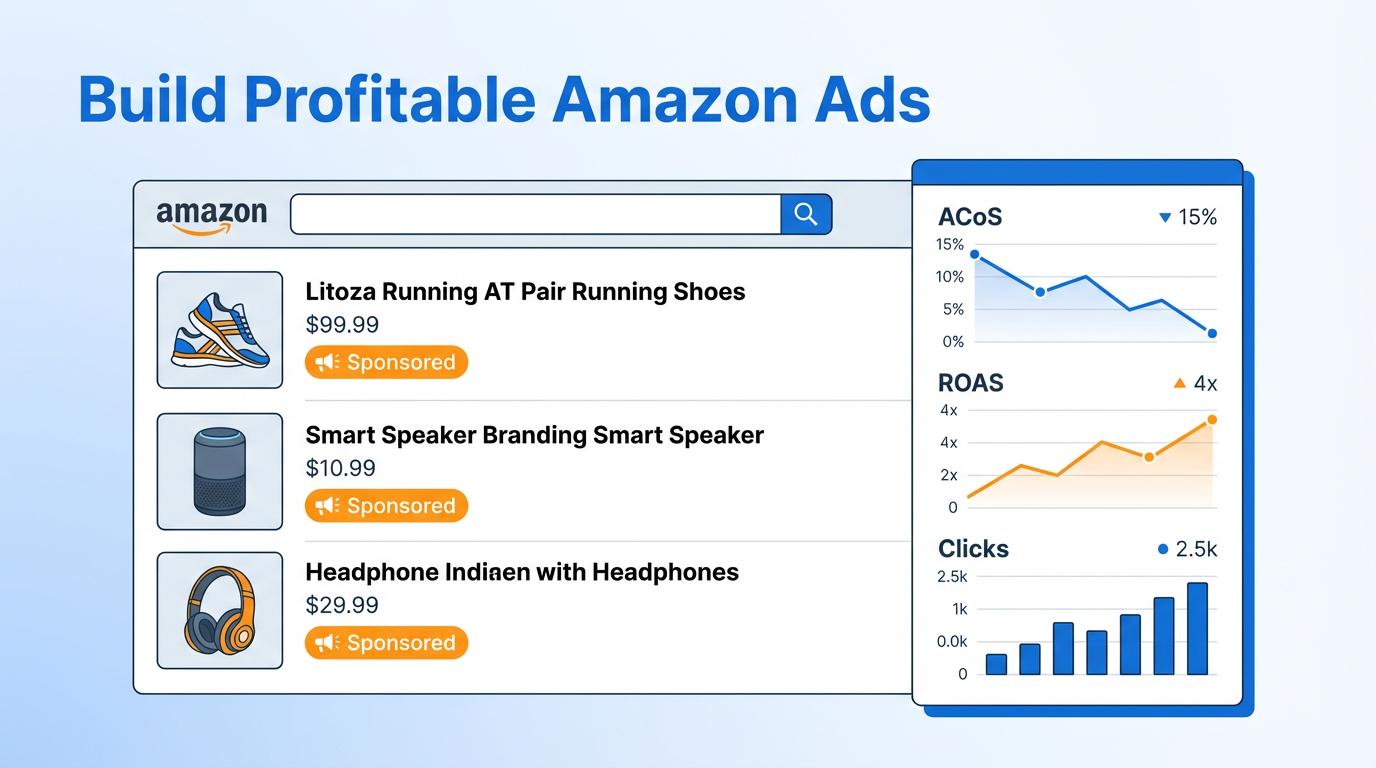
A striking 75% of third-party sellers on Amazon boost their visibility and sales through Sponsored Products ads.
These Amazon ads blend so naturally with organic search results that customers rarely notice they're viewing paid content. This explains why Sponsored Products make up 78% of sellers' total Amazon advertising spend.
Amazon's advertising business continues to grow quickly as it expands its ad products throughout its ecosystem. Sellers who want to stand out must learn the best ways to advertise on Amazon. The platform offers great opportunities but also presents challenges, particularly in today's crowded marketplace.
A strategic and adaptable advertising plan matters greatly for both newcomers to Amazon Ads and those looking to improve existing campaigns. Your bottom line depends on your understanding of different Amazon ad types - from sponsored products to brand-focused advertisements - and your ability to use them well.
Let us show you proven strategies to create profitable Amazon ads that deliver results. You'll learn to use the Amazon Ads dashboard confidently and turn your advertising spend into measurable outcomes.
Understanding Amazon Ads
Amazon has grown faster into a digital advertising giant that now competes directly with Google and Meta. The platform stands out from traditional advertising platforms that focus only on search intent or social interests. Amazon Ads shows a direct connection between advertising effects and final conversion.
What is Amazon Advertising?
Amazon Advertising includes all advertising solutions in the Amazon ecosystem. The platform runs on a pay-per-click (PPC) model. Sellers pay only when shoppers click their ads, not for impressions. Businesses of all sizes and budgets can help shoppers find and participate with their brand and products.
The advertising system consists of several key formats:
- Sponsored Products: Self-service ads for individual product listings that appear in search results and product pages
- Sponsored Brands: Banner ads featuring your logo, custom headline, and multiple products
- Sponsored Display: Retargeting ads that appear both on and off Amazon
- Amazon Stores: Free multi-page brand destinations showcasing your product portfolio
- Streaming TV and Video Ads: Video advertisements displayed across Amazon's streaming properties
These sponsored ads help drive visibility, traffic, and sales by reaching customers at every stage of their trip—from awareness to purchase and beyond.
How the Amazon ads platform works
The Amazon ads platform works like Google AdWords but within the Amazon ecosystem. A shopper's search on Amazon triggers an auction that determines which sponsored ads to display. Advertisers bid on relevant keywords. The bid amount, relevance, and ad quality influence placement.
Amazon suggests new advertisers should start with Sponsored Products using automatic targeting. This approach needs minimal setup because Amazon uses your existing product information without extra ad copy. The system also offers strong targeting options based on keywords, products, or interests. You can reach specific audiences based on demographics, purchase behavior, and browsing history.
The Amazon ads dashboard gives sellers detailed performance metrics. These include impressions, clicks, spend, sales, and advertising cost of sale (ACoS). This data helps optimize campaigns and make informed decisions to improve return on investment.
Why advertising on Amazon matters for sellers
Competition on Amazon's marketplace is fierce. Products struggle to stand out organically. About 70% of Amazon visitors never look past the first page of results. Advertising gives sellers a vital advantage.
The top three products in search results get about 64% of all clicks. The very first product attracts 35% of shoppers. Visibility is significant for success on the platform.
Amazon advertising does more than drive immediate sales. Products that get more clicks and sales through ads catch Amazon algorithm's attention. These positive signals can boost your product's visibility in organic search results over time.
The numbers work in sellers' favor. The average cost-per-click is $0.97 and daily spend averages $380. Yet the average daily revenue from Amazon ads reaches $1,050. Brands using Amazon display ads saw a 47% increase in non-Amazon sales. Users of sponsored ads experienced a 23% increase.
SellerSprite's Ads Insight tool can give you useful competitive intelligence about competitors' sponsored keywords to improve your strategy.
Types of Amazon Ads You Can Use
Amazon's advertising ecosystem has several powerful ad formats. Each format serves specific marketing goals throughout a customer's buying process. Let's take a closer look at these options to help you pick the right tools for your advertising strategy.
Sponsored Products
Sponsored Products are the backbone of Amazon's advertising platform. About 75% of third-party sellers use this format. These self-service, cost-per-click ads promote individual product listings in shopping results and on product detail pages. They blend naturally with organic search results. A subtle "Sponsored" label marks these ads, which explains why they make up 78% of sellers' total ad spend.
These ads work well because they offer two ways to target customers. You can let Amazon control which keywords or products to target based on your listing information, or you can manually choose specific keywords. New sellers often start with automatic targeting. This approach gives them great insights they can use later in their manual campaigns.
Sponsored Brands
Sponsored Brands, which used to be called Headline Search Ads, help grab attention at key shopping moments. These customizable banner ads show your brand logo, custom headline, and up to three products at the top of search results. Customers who click can go to your Brand Store, a custom landing page, or specific product listings.
These ads come in three creative formats. Product Collection shows multiple products with lifestyle images. Brand Store Spotlight displays up to three Brand Store sub-pages. Video format plays 6-45 second autoplay videos in search results. Only brand-registered sellers, vendors, and agencies can use this ad type.
Sponsored Display
Sponsored Display, previously known as Product Display Ads, helps you reach customers on and off Amazon. Instead of targeting keywords, these ads focus on customers based on their shopping behaviors and interests.
Brand-registered sellers can use Sponsored Display to reach different groups. They can target people who viewed their listings in the last 30 days, similar products or categories, and customers with specific interests. Amazon reports that sellers using Sponsored Display audiences get up to 82% of their sales from new-to-brand customers.
Amazon Stores and Native Ads
Amazon Stores give you a free, multi-page space to showcase your brand and products. This platform works like a website within Amazon. You can create an engaging branded experience using pre-made templates or custom layouts. When combined with Sponsored Brands ads, Stores help drive repeat purchases by letting customers explore your full catalog.
Native ads fit naturally with surrounding content. They appear as sponsored content, in-feed ads, recommendation widgets, or promoted listings. This approach keeps the user experience smooth while promoting your products.
Streaming TV and Video Ads
Amazon's Streaming TV and Video ads appear on Prime Video, Twitch, live sports, Fire TV Channels, and third-party publishers. These full-screen, non-skippable video ads play before, during, or after streaming content.
You don't need a minimum spend to run these ads. This makes them accessible to businesses of all sizes. Interactive features let viewers browse and shop your brand with a remote click or phone scan. These interactive elements lead to 36% more orders compared to non-interactive ads.
All these ad formats can work together. They create complete marketing campaigns that reach customers at every step - from first awareness through purchase and beyond.
8 Expert Tips to Build Profitable Amazon Ads
Building profitable Amazon ads requires strategic thinking and continuous optimization. Successful advertisers follow these expert recommendations to maximize their advertising ROI.
1. Start with clear campaign goals
Effective advertising begins with defining specific objectives. Your campaigns should align with business goals such as increasing market dominance, launching new products, or improving profit margins. Understand whether you're focusing on awareness, consideration, purchase, or loyalty to determine appropriate metrics for success. For example, if liquidating inventory, your target might be break-even ACoS rather than a low ACoS.
2. Choose the right ad type for your product
Each Amazon ad format serves different purposes in the customer journey. For immediate sales, Sponsored Products deliver high conversion rates. When building brand recognition, Sponsored Brands create stronger top-of-funnel awareness. If retargeting is your focus, Sponsored Display ads excel at reconnecting with shoppers who viewed your products.
3. Use both automatic and manual targeting
A hybrid approach yields superior results. Begin with automatic targeting campaigns to discover converting search terms. Then, transfer winning keywords to manual campaigns with exact match. Finally, add those same terms as negative exact keywords in your automatic campaigns to prevent overlap. Studies show running automatic and manual campaigns together resulted in 23% more keyword coverage and 18% lower overall ACoS versus manual-only.
4. Optimize your product listings before advertising
Many advertisers invest heavily in ads while neglecting their product listings. Nevertheless, Amazon's algorithm evaluates both organic and paid placements together. Poor listings lead to:
- Paying for clicks that bounce
- Weak engagement metrics that increase CPCs over time
- Lower conversion rates despite perfect targeting
5. Set realistic bids and daily budgets
Amazon Ads work with any budget, starting as low as $10. Monitor metrics like "Average time in budget" (100% means your campaign ran all day without exhausting budget) and "Estimated missed impressions/clicks/sales" to optimize spending. Use rule-based bidding to automatically adjust bids based on performance targets like ROAS.
6. Use negative keywords to reduce wasted spend
Negative keywords prevent your ads from appearing for irrelevant searches. Add terms that drive clicks but not conversions as negative phrase or exact match. This strategy can significantly reduce wasteful spending—one account saved 40% of their total ad budget by properly implementing negative keywords.
7. Monitor ACoS and ROAS regularly
ACoS (Advertising Cost of Sales) measures ad spend divided by attributed sales. Your break-even ACoS must be lower than your profit margin to maintain profitability. Simultaneously, ROAS (Return on Ad Spend) shows how many dollars you earn for every dollar spent on advertising. Track both metrics to evaluate campaign efficiency.
8. Test and refine your ad creatives
A/B test different elements like headlines, images, and descriptions to identify what resonates with your audience. Document all changes and their impact on performance metrics. Creative Testing through Amazon helps you understand reactions and preferences your ads evoke. This ongoing optimization process ensures your campaigns continually improve over time.
How to Set Up Your First Campaign
You can set up your first Amazon ads campaign with simple steps once you understand the process. The moment you decide your advertising goals, you'll be ready to transform your strategy into action through Amazon's self-service platform.
Register and access the Amazon ads dashboard
The registration process starts with becoming an advertiser on Amazon. The Amazon Ads registration page lets you select "Sponsored Ads" for single business advertising or "Amazon DSP and Sponsored Ads" for multiple brands. Your new account credentials will give you access to the advertising console through your Seller or Vendor Central account. The campaign manager dashboard becomes your central hub that manages all advertising activities.
Pick your products and ad type
The process begins with clicking "Create campaign" and choosing your preferred ad format. Sponsored Products works best for beginners. The next step involves selecting products to advertise. You can search specific ASINs, enter multiple ASINs as a list, or upload a CSV file. Note that inactive or out-of-stock products won't show up as options.
Set your budget and bidding strategy
Amazon suggests a minimum daily budget of USD 10.00 to maintain consistent impressions. Beginners should choose "Dynamic bids - down only" as their bidding strategy. This option reduces bids automatically when conversions seem unlikely and helps save money during your testing period.
Choose targeting method: keyword or product
Your targeting options include automatic or manual targeting:
- Automatic targeting: Amazon matches your ads with relevant search terms based on your product information. This works best for beginners who want to learn which terms drive conversions.
- Manual targeting: You choose specific keywords or products. This suits experienced advertisers who know their high-performing terms.
Launch and monitor your campaign
A clear campaign name helps you locate it easily later. Running your campaign without an end date ensures your products stay visible as shopping trends shift. Your campaign metrics appear in the campaign manager within 12 hours. These insights help refine your strategy, and you can move successful keywords from automatic to manual campaigns for better control.
Scaling and Managing Your Ads Over Time
Successful Amazon advertising requires ongoing optimization after your campaigns are live. The right analysis and adjustments transform good campaigns into great ones, maximizing your return on investment.
Use Amazon ads reports to track performance
Amazon's Campaign Manager provides essential metrics updated hourly. Key performance indicators to monitor include CTR (click-through rate), conversion rate, ACOS (advertising cost of sales), and ROAS (return on ad spend). Review reports weekly to identify underperforming areas and opportunities for growth. Indeed, Amazon's built-in reporting shows performance across different placements—top of search, rest of search, and product pages.
Move high-performing keywords to manual campaigns
Once automatic campaigns identify converting search terms, transfer them to manual campaigns for greater control. Accordingly, use the 80/20 rule—80% of your sales often come from 20% of your keywords. Download Search Term Reports to identify these high-performers, then add them as negative keywords in your automatic campaigns to prevent overlap.
Adjust bids based on ACoS and conversion rate
Develop a systematic approach to bid management based on performance metrics. For instance, consider reducing bids by 50% for keywords with ACOS above 400%, while increasing bids by 10% for those below 25%. Hence, weekly reviews with structured bid adjustments ensure efficient spend allocation.
Expand to international marketplaces
Advertisers see an average 2.2X ROAS two months after launching Sponsored Products in international marketplaces. At this point, leverage Amazon's multi-country expansion tools to simplify store creation across multiple countries with automated translation. This streamlined process eliminates manual recreation, reducing time and effort to establish global presence.
Use tools like SellerSprite Ads Insight for deeper analysis
SellerSprite Ads Insight offers visibility into competitors' advertising strategies. The tool dissects advertising layouts based on ASINs, revealing competitors' keywords and matching modes. To that end, you can analyze search term details, export keywords for analysis, or copy them into Keywords Mining for identifying high-frequency words.
Conclusion
Amazon advertising has become crucial for sellers to stand out in today's competitive marketplace. In this piece, we've explored how sponsored ads can boost your product visibility and sales by a lot. This becomes even more important since 70% of Amazon shoppers never look beyond the first page of results.
The right ad format choice makes all the difference to your specific goals. Sponsored Products excel at direct sales, while Sponsored Brands build awareness better. Sponsored Display ads help you reconnect with shoppers who viewed your products before.
A combination of automatic and manual targeting yields the best results. You should start with automatic campaigns to find converting search terms, then move winning keywords to manual campaigns. This mixed approach delivers 23% more keyword coverage and 18% lower overall ACoS than manual targeting alone.
Your product listings need optimization before any advertising begins. Poor listings will cost you money through non-converting clicks, higher CPCs, and low conversion rates even with perfect targeting.
Regular monitoring of key metrics like ACoS and ROAS will guide your optimization efforts as you manage campaigns. Weekly reviews help you spot underperforming areas and growth opportunities. Profitable Amazon advertising needs constant refinement rather than a set-it-and-forget-it approach.
Without doubt, successful Amazon advertisers keep testing new approaches. They refine ad creatives constantly, adjust bids based on performance, and use negative keywords strategically to cut wasted spend. This steadfast dedication to optimization will give your advertising dollars more impact.
These expert strategies can help you build Amazon ads that drive immediate sales and contribute to long-term organic growth. Start small, learn from your data, expand methodically, and your Amazon business will thrive through effective advertising.
Key Takeaways
Master these proven strategies to transform your Amazon advertising from cost center to profit driver, maximizing visibility and sales in the competitive marketplace.
• Start with hybrid targeting: Combine automatic and manual campaigns for 23% more keyword coverage and 18% lower ACoS than manual-only approaches.
• Optimize listings before advertising: Poor product listings waste ad spend through low conversions and higher CPCs, regardless of perfect targeting.
• Monitor ACoS and ROAS weekly: Regular performance reviews identify underperforming areas and growth opportunities for strategic bid adjustments.
• Use negative keywords strategically: Proper implementation can save up to 40% of total ad budget by preventing irrelevant clicks.
• Transfer winning keywords systematically: Move high-performing terms from automatic to manual campaigns using the 80/20 rule for better control.
The key to profitable Amazon advertising lies in continuous optimization rather than set-it-and-forget-it approaches. Success comes from testing, refining, and scaling based on data-driven insights while maintaining focus on both immediate sales and long-term organic growth.
FAQs
Q1. What are the main types of Amazon ads available to sellers?
Amazon offers several ad types including Sponsored Products, Sponsored Brands, Sponsored Display, Amazon Stores, and Streaming TV and Video Ads. Each serves different purposes in the customer journey, from increasing visibility to building brand awareness.
Q2. How can I improve the performance of my Amazon ad campaigns?
To improve ad performance, start with clear campaign goals, use both automatic and manual targeting, optimize your product listings, set realistic bids and budgets, use negative keywords to reduce wasted spend, and regularly monitor key metrics like ACoS and ROAS.
Q3. Is it better to use automatic or manual targeting for Amazon ads?
A hybrid approach using both automatic and manual targeting often yields the best results. Start with automatic campaigns to discover converting search terms, then transfer winning keywords to manual campaigns for more control and efficiency.
Q4. How much should I budget for Amazon advertising?
Amazon Ads can work with budgets as low as $10 per day. Monitor metrics like "Average time in budget" and "Estimated missed impressions/clicks/sales" to optimize your spending. Adjust your budget based on performance and your business goals.
Q5. How long should I wait before making changes to my Amazon ad campaigns?
It's recommended to let your campaigns run for at least a week before making significant changes. This allows Amazon's algorithm time to learn and optimize your ads. Making frequent changes can disrupt the system and lead to poor performance.


